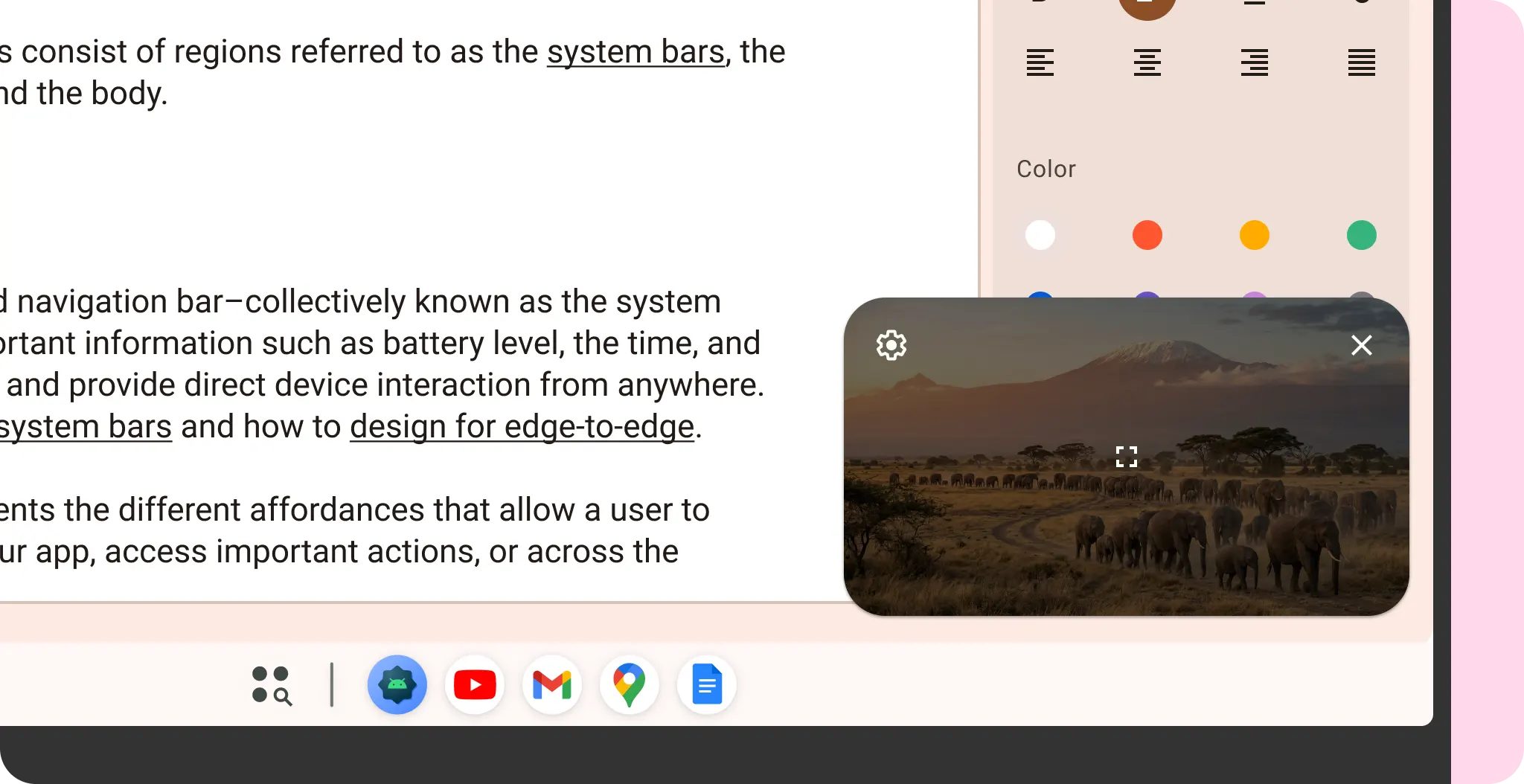
Desktop windowing allows users to multitask seamlessly in a free-form environment.
Multi-instance
Desktop users often keep multiple windows of the same app open. Android allows users to quickly switch between them using the keyboard shortcut Alt + Tab.
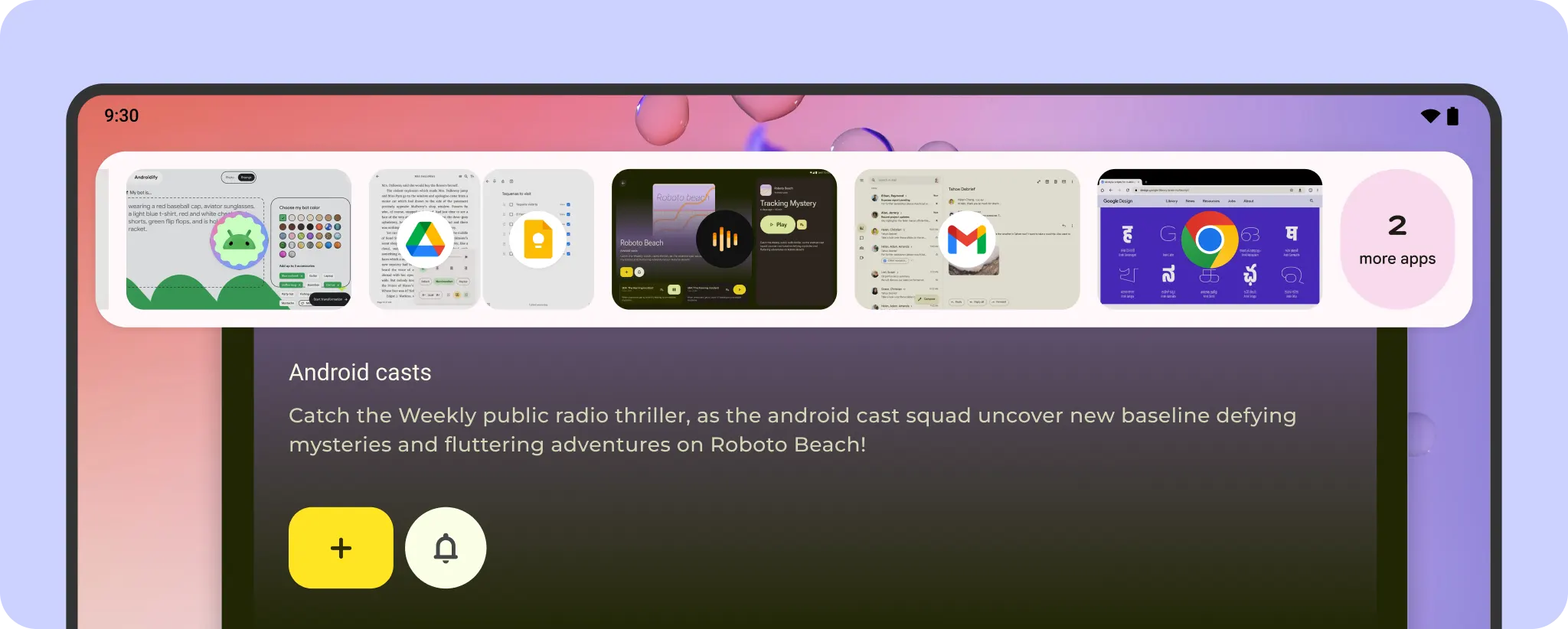
If suitable for your app, consider multi-instance support to increase user productivity on desktop. For developer guides, read more at multitasking and multi-instance.
Drag-and-drop
On a desktop, users can move data between apps and the OS. Use drag-and-drop interactions to make this process more intuitive in a multi-window environment. For design guidance, see Patterns. Learn how to implement with drag-and-drop.

Media playback
Media playback should continue when users minimize the app or move it to the background. To further enhance the experience, implement picture-in-picture (PiP) mode, which allows them to watch videos in a floating window while navigating between apps or browsing content. PiP windows can display controls for play, pause, previous, and next. For more details, picture-in-picture.