Start with an idea. Build with AI. Ship on Android
Whether you're exploring AI-assisted development, building with your favorite code editors and terminal agents, or developing apps professionally in Android Studio, Google's Android workflows help you turn prompts into real Android experiences.
Build with your favorite tools and agents


 Android Studio
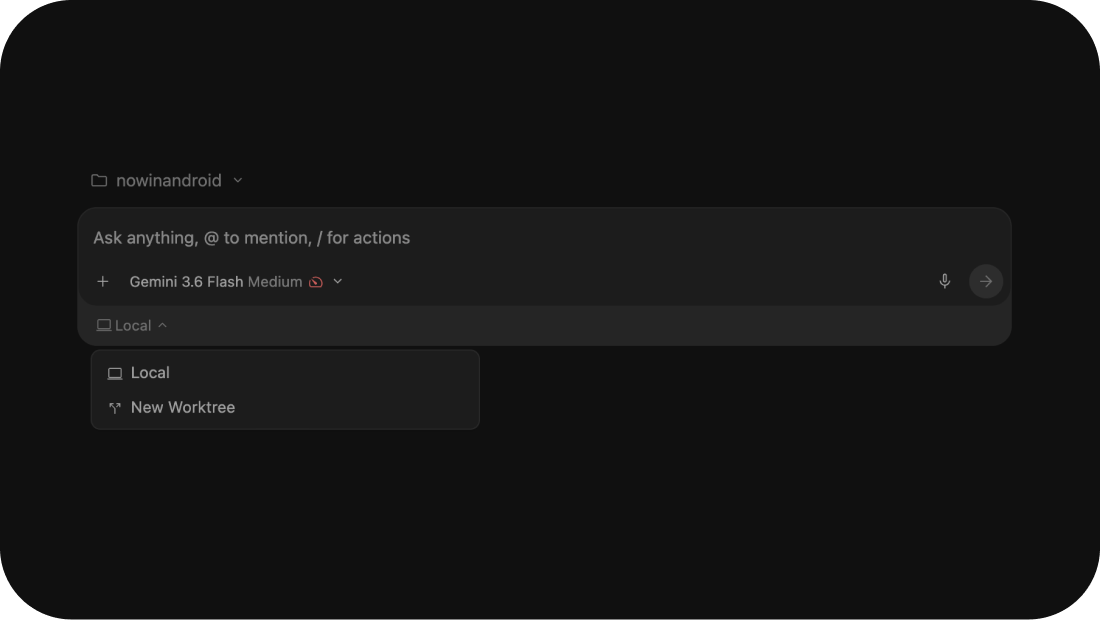
 Antigravity
 Claude Code

Build your way
Equip your favorite tools—including Claude Code, Cursor, and custom scripts—with the Android CLI to inspect projects, build modules, and run automated tests.

Automate end to end
Orchestrate autonomous, multi-turn development workflows using Antigravity, Google's agentic harness paired with official Android tooling.

From idea to production
Refine, test, and prepare your app for release with AI in Android Studio. Generate live Compose previews, run integrated emulator tests, and diagnose issues with App Quality Insights.
Core capabilities for agentic Android development
Use the model and agents that best fit your development workflow. Set up AI assistance in the way that best matches your team's requirements, preferred LLMs, and budget:
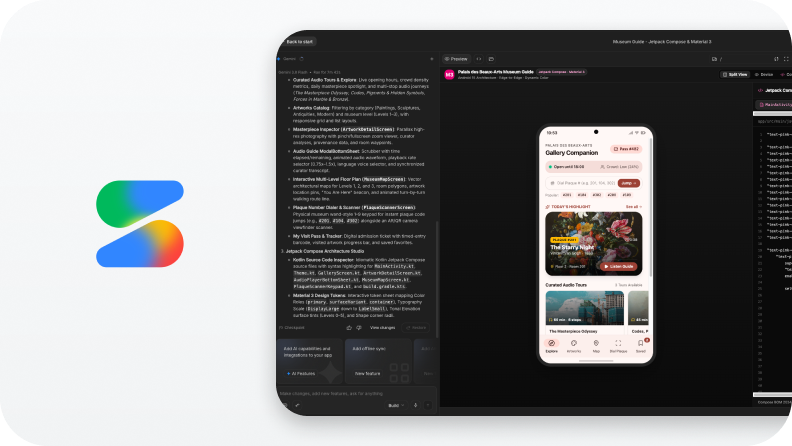
Prototype in Google AI Studio
Turn ideas into working Android prototypes with Gemini in Google AI Studio. Test Compose layouts and export starter code directly into your project.

Power AI with Antigravity & CLI
Build high quality Android apps with Antigravity and Android CLI. Connect your AI directly to official platform tools, guides, and tests.
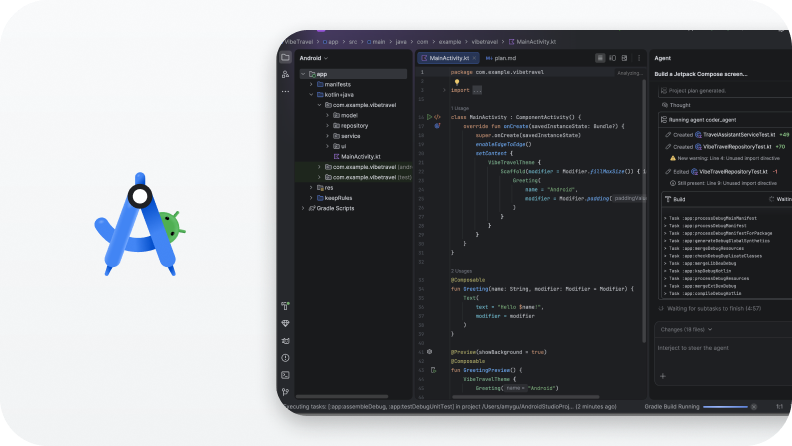
Ship with Android Studio
Test, refine, and prepare your app for release with Android's purpose-built development environment.
Featured agentic workflows
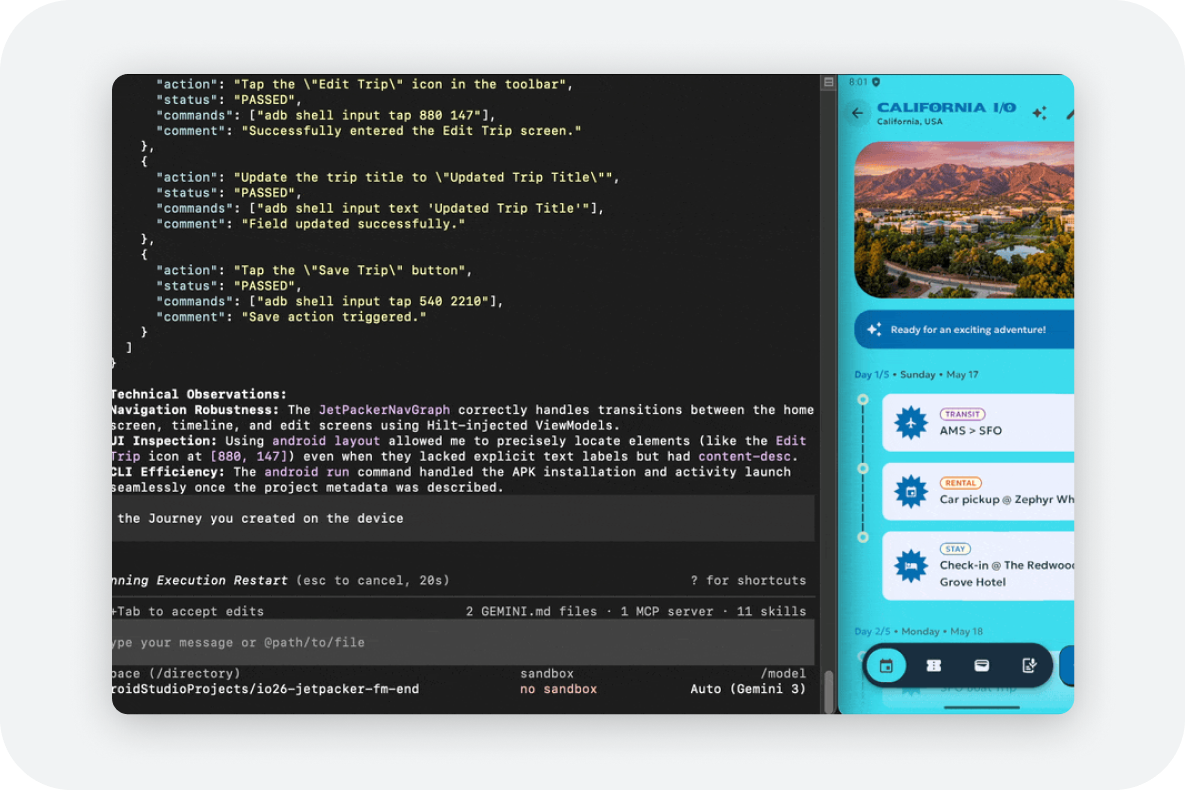
Test user journeys with AI
Automate end-to-end testing across entire app experiences. Use Journeys in Android Studio or Android CLI to simulate user interactions, validate UI behaviour, and identify issues before release.
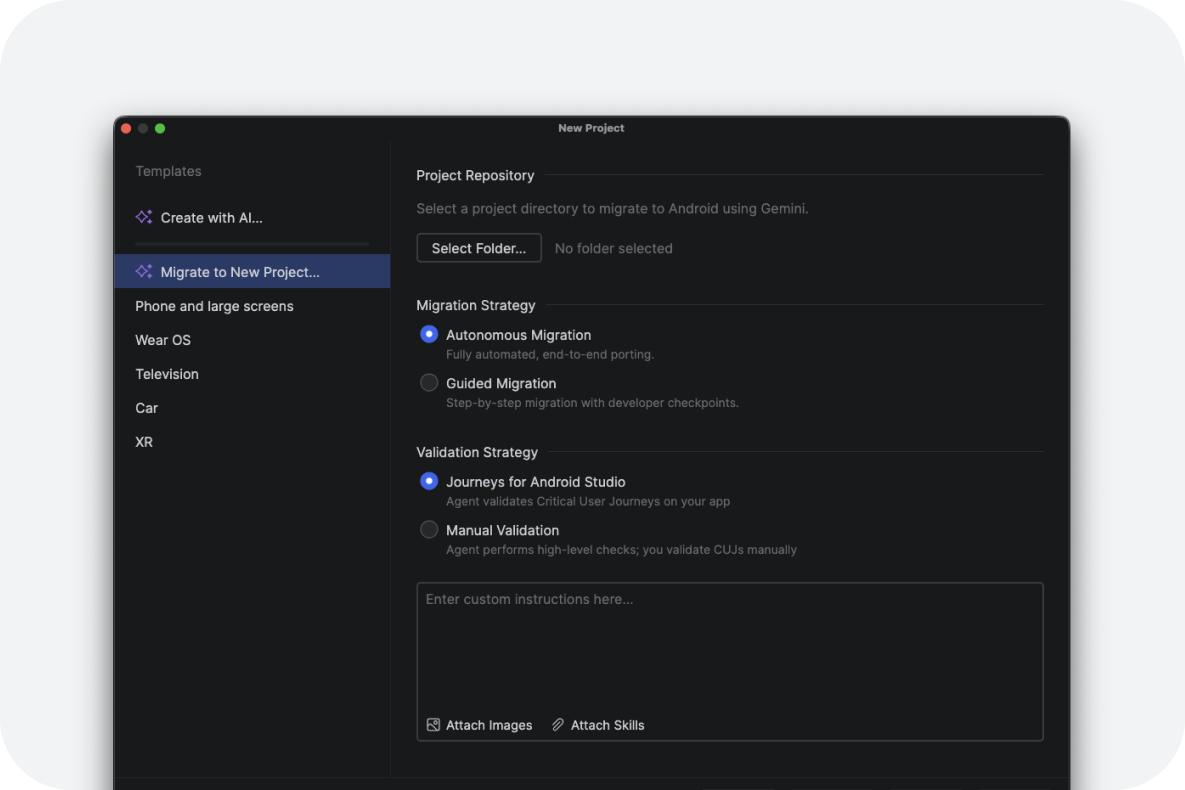
Port your apps to Android
Accelerate cross-platform conversions with migration guides. Use the Android Studio migration toolset to translate iOS, Web, and Flutter codebases into modern Kotlin and Jetpack Compose for Android devices.
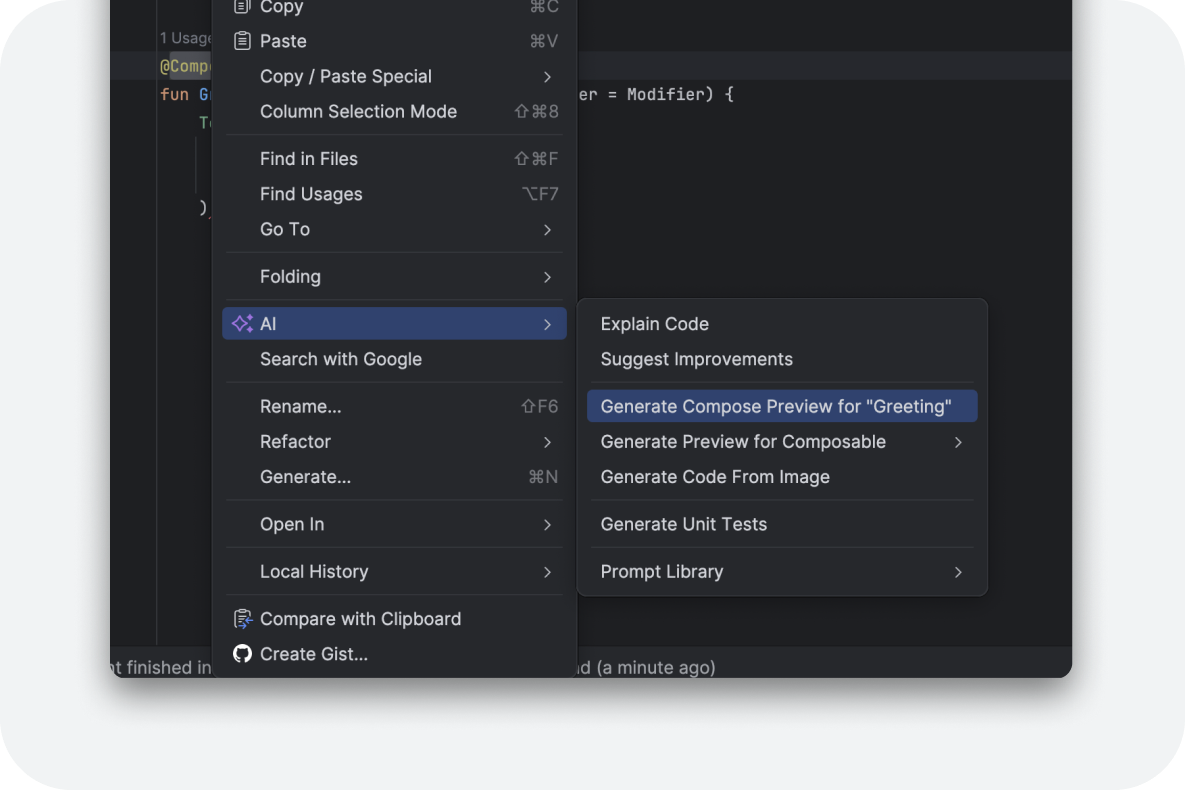
Accelerate UI development with Compose design tools
Transform design mockups into idiomatic Jetpack Compose code with AI assistance. Describe UI changes in natural language, generate instant Compose Previews, and iterate on layouts directly in your project.
Knowledge grounding and evaluation
Feature
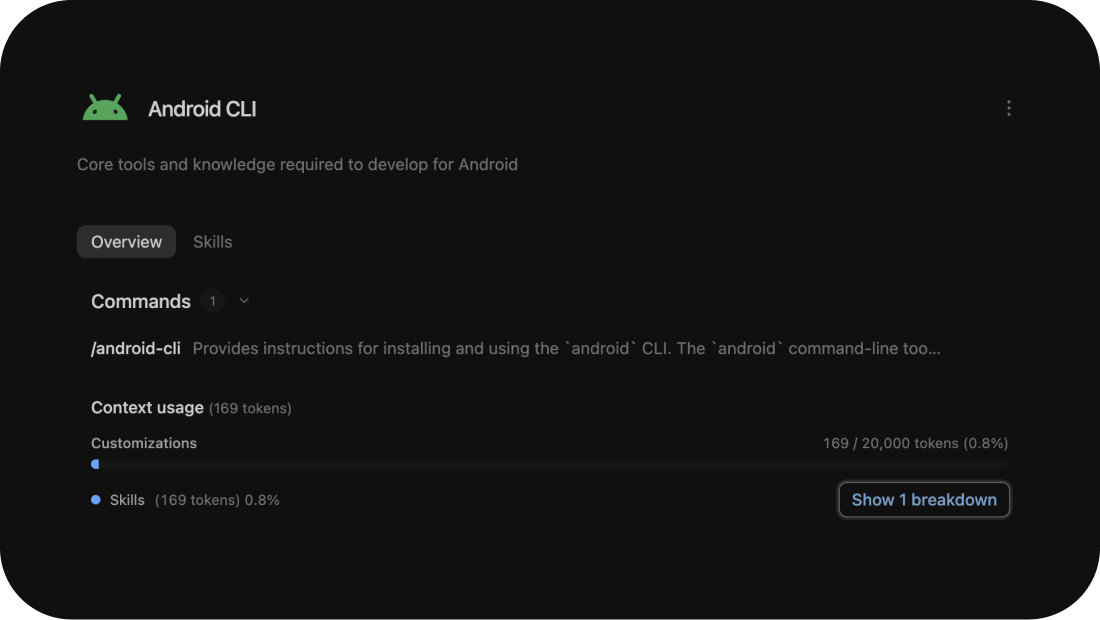
Equip agents with Android skills
Configure your coding agents with modular capability packages containing verified domain knowledge. Provide authoritative grounding for Android features and development frameworks like Jetpack Compose, modern Android architecture, identity APIs, and platform APIs to help eliminate hallucinations and outdated code patterns.

Feature
Give your AI trusted Android knowledge
Help AI agents generate more reliable Android code by connecting them to authoritative Android documentation, APIs, sample code, and platform guidance. Reduce guesswork and keep development grounded in up-to-date Android best practices.
Feature
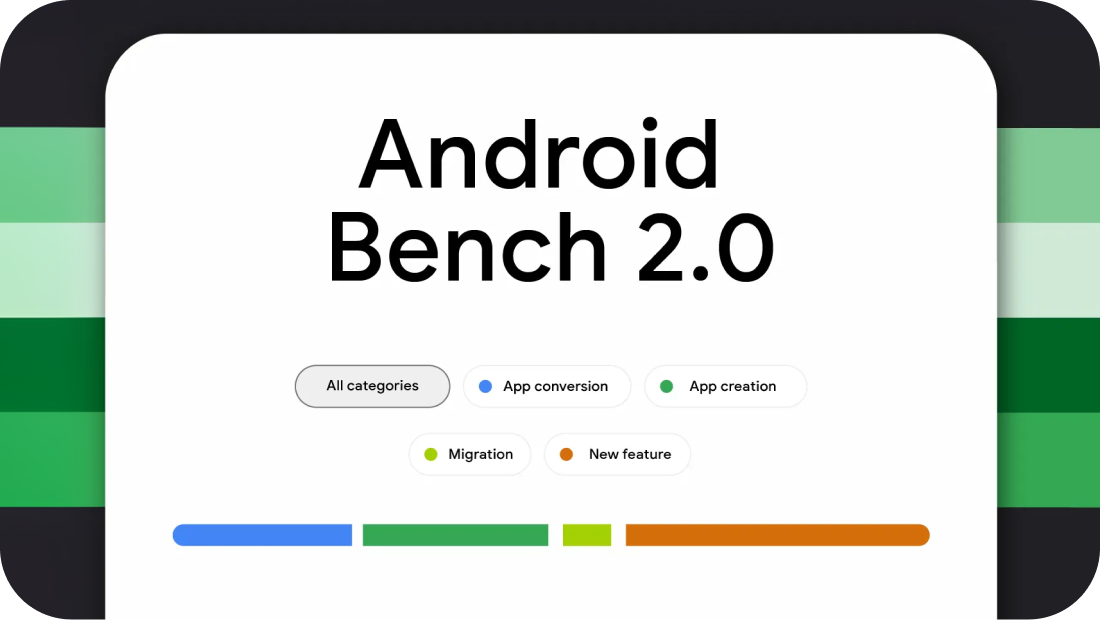
Measure AI performance on Android
Explore Android Bench to see how models perform on real Android development tasks. Compare task completion rates, efficiency, and accuracy across different model capabilities.
Feature
Orchestrate parallel agents with Git worktrees
Run multiple AI agents concurrently on a single Android codebase without file collisions or build conflicts. Configure isolated Git worktrees, set up shared Gradle build caches, and coordinate parallel agents across complementary tasks, such as generating Compose layouts while independently executing unit tests.