

כדי לזהות תנועות מגע מרובות שמשמשות להזזה, לשינוי מרחק התצוגה ולסיבוב, אפשר להשתמש במקש הצירופים transformable. המשתנה הזה לא משנה רכיבים בעצמו, הוא רק מזהה את התנועות.
@Composable private fun TransformableSample() { // set up all transformation states var scale by remember { mutableFloatStateOf(1f) } var rotation by remember { mutableFloatStateOf(0f) } var offset by remember { mutableStateOf(Offset.Zero) } val state = rememberTransformableState { zoomChange, offsetChange, rotationChange -> scale *= zoomChange rotation += rotationChange offset += offsetChange } Box( Modifier // apply other transformations like rotation and zoom // on the pizza slice emoji .graphicsLayer( scaleX = scale, scaleY = scale, rotationZ = rotation, translationX = offset.x, translationY = offset.y ) // add transformable to listen to multitouch transformation events // after offset .transformable(state = state) .background(Color.Blue) .fillMaxSize() ) }
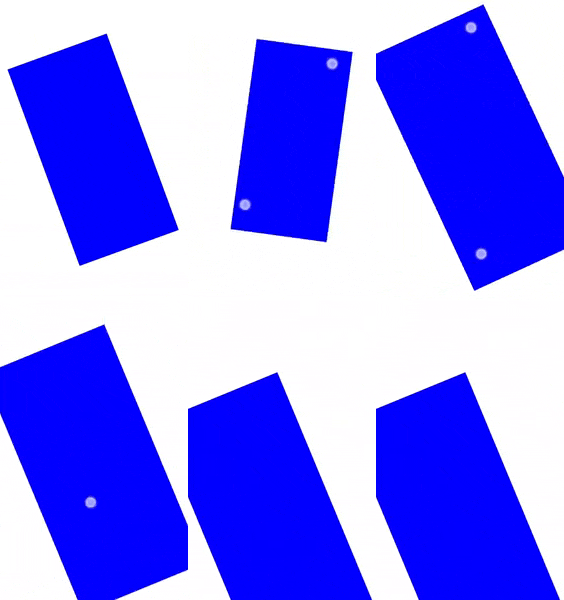
אם אתם צריכים לשלב שינוי מרחק תצוגה, הזזה וסיבוב עם תנועות אחרות, אתם יכולים להשתמש בגלאי PointerInputScope.detectTransformGestures.
מומלץ בשבילך
- הערה: טקסט הקישור מוצג כש-JavaScript מושבת
- הסבר על תנועות